Fixes
- calendar right-click context to quick schedule on a day/time

v1 pre-release + internal automation to speed up the Statuz release lifecycle.
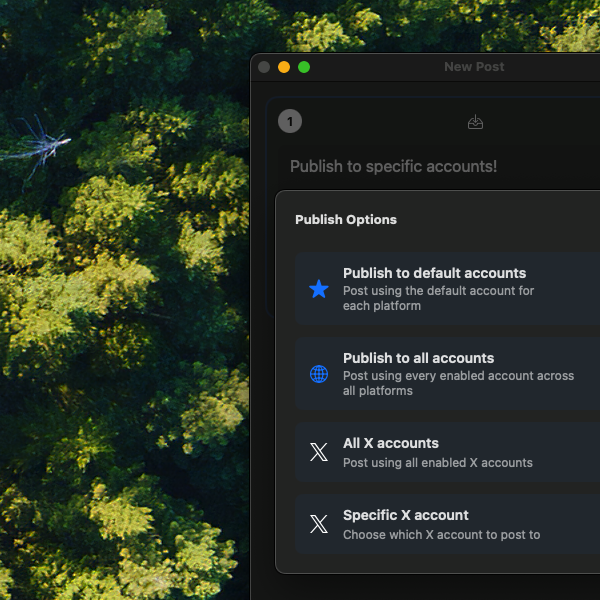
When you have multiple accounts set up, the main Publish button now shows an option to jump to the specific account selection. This is useful when you want to post to a particular account, but don't want to use the default one.
We have also fixed a bug with the communities search feature released in 0.4.0
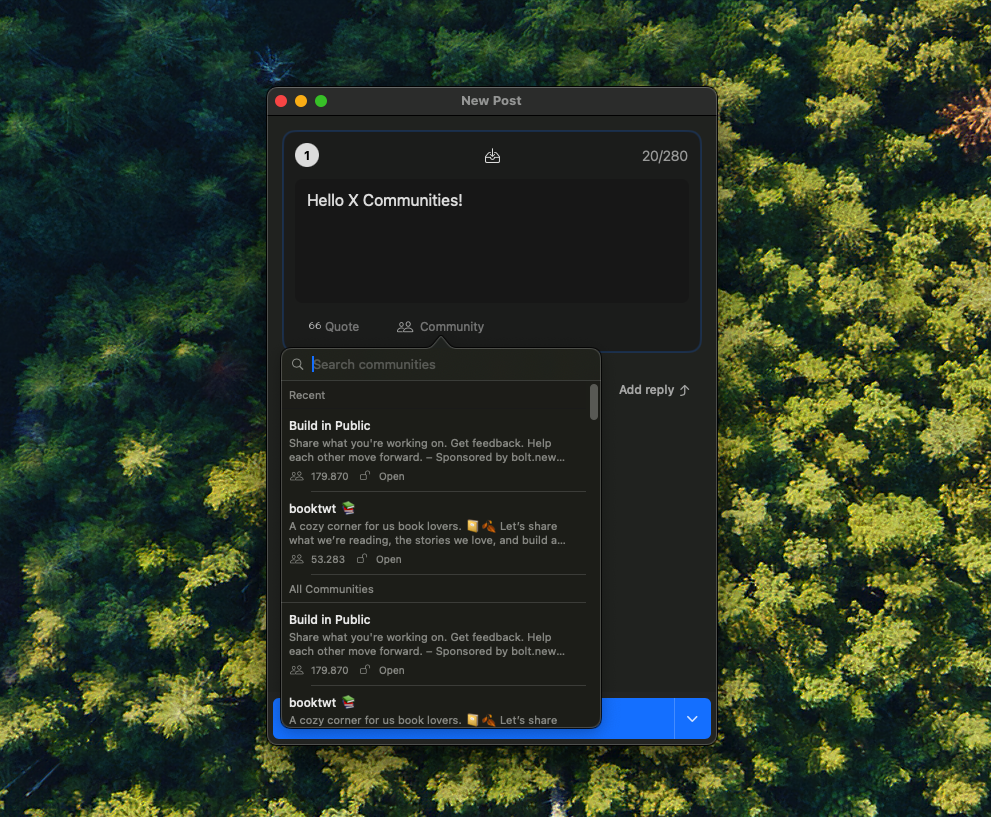
We've added the ability to post directly to X Communities. Now you can easily share with specific groups of people. Just browse your recent communities or search for any community you're part of (public or private), select it while writing your post, and you're good to go. It's a simpler way to reach the right audience without extra steps.
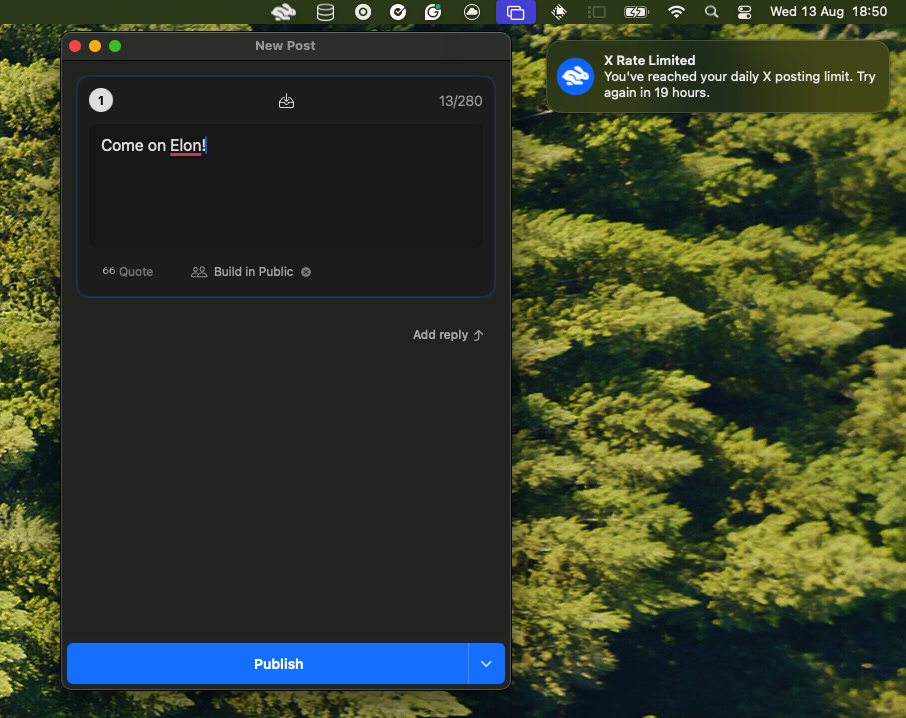
We've improved the error messages for X. Now you can clearly see what went wrong.
Also fixed an issue where X accounts were not connecting properly. Now you can connect to multiple X accounts again.
We shortened URLs in BlueSky posts to 32 characters (not counting the https:// part). Posts look cleaner, links still work perfectly. We also made sure those #section parts at the end of URLs don't accidentally become hashtags.
When you click on notifications for posts made from non-default BlueSky accounts, the correct profile URL now opens in your browser instead of always using your default account's handle.
One of the most requested feature is here. You can now connect multiple accounts for each platform. Add your personal and work accounts, label them with custom nicknames, and set defaults for each platform.
This isn't just a nice-to-have. It's foundational for our upcoming scheduling feature, which many of you have been asking for.
With multiple accounts, you get:
Sometimes you want to post the same thing everywhere. Other times, you don't.
Now you can choose to post to just one platform at a time. The composer stays open, so you can tweak your message for each network and send when ready.
We've also added:

Got a lot to say? We've got you covered.
When you paste text longer than 280 characters into a post, Statuz now automatically splits it into multiple posts in a thread, preserving word boundaries when possible.
Don't want this feature? No problem - you can toggle it on/off in settings.
When you share a link, it should look good. Now it does.
We've added Twitter/X-style link previews that make your posts more engaging and give your audience a better idea of what they're clicking on.
Plus, we fixed some annoying things related to BlueSky posts: Now they format correctly with proper line breaks, mentions, and long links.
We're heads down on post scheduling - our most requested feature.
Check our changelog for more details.
We've been listening and making things better. No flashy stuff, just solid improvements where it matters most.
Want to repost your best hits? Now you can search through them and pick which one performed best.
The main app context menu is now available through ctrl+click and option+click, not only secondary ones.
Great news for Mastodon users! We're excited to announce our third integration: share your updates on Mastodon alongside X (Twitter) and BlueSky - all from your menu bar. Simple and easy!
Here's what's new:
small life improvement inspired by ChatGPT app
— stewones (@stewones) December 25, 2024
👈 left click to open the post composer directly
👉 right click to open the context menu pic.twitter.com/wEyFGIAql2
another small improvement 💅
— stewones (@stewones) December 31, 2024
now the status of the current stage behind the scenes is rendered in the publish button 🍬 pic.twitter.com/ktfTx9KYeW
before vs after - next version will include a redesigned settings screen to make space for more exciting new features ahead! pic.twitter.com/v3M2ksfuFq
— stewones (@stewones) December 31, 2024
and more...
Statuz is a menu bar app for macOS that lets you manage and post to multiple social media accounts in one place.